For restaurants in Jordan
Every sale cleared with JoFotara, overnight.
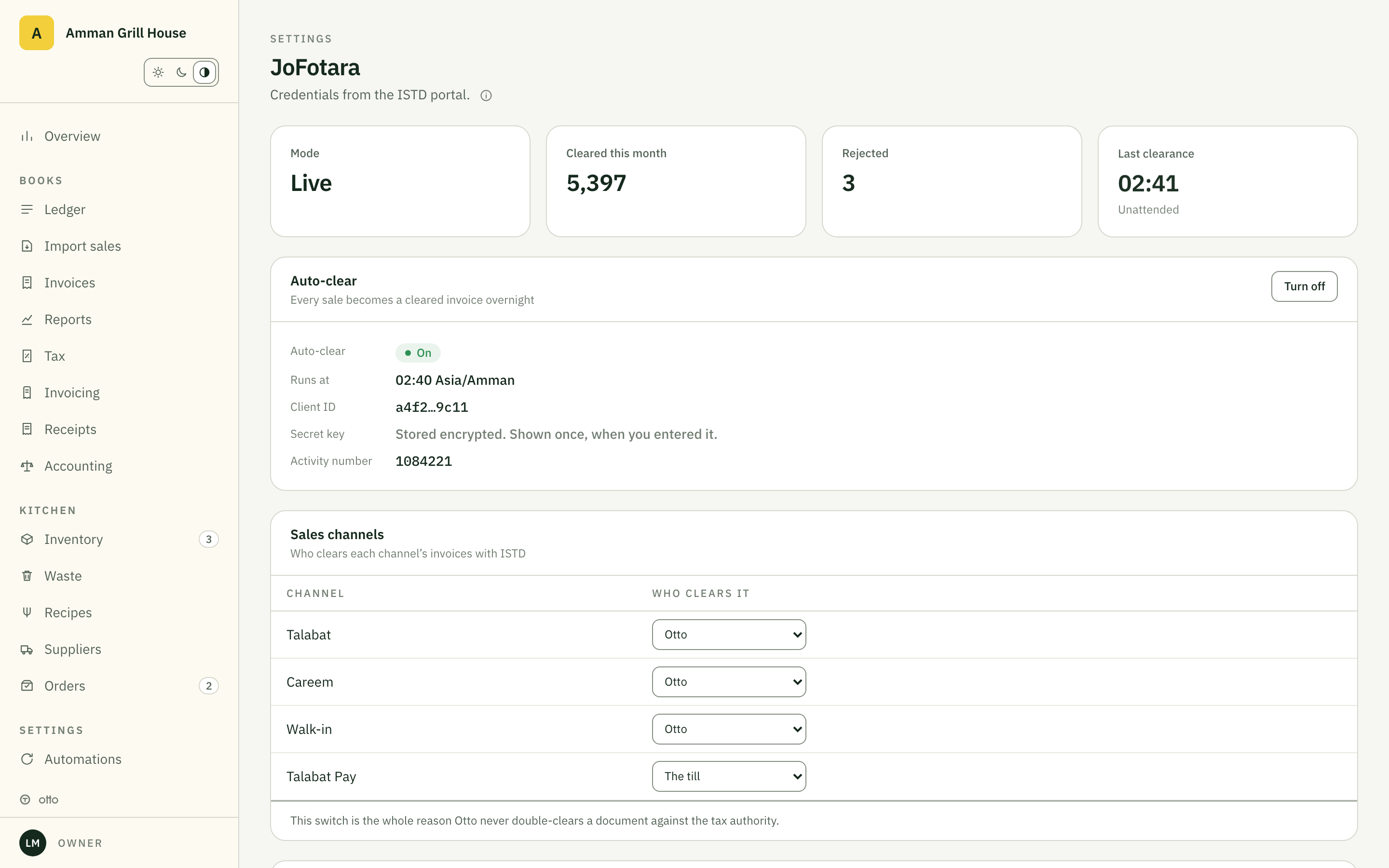
Otto issues the UBL 2.1 invoice, clears it with the national system, and posts the journal entry. Every night.
- UBL 2.1 invoices and credit notes
- QR that scans in Sanad
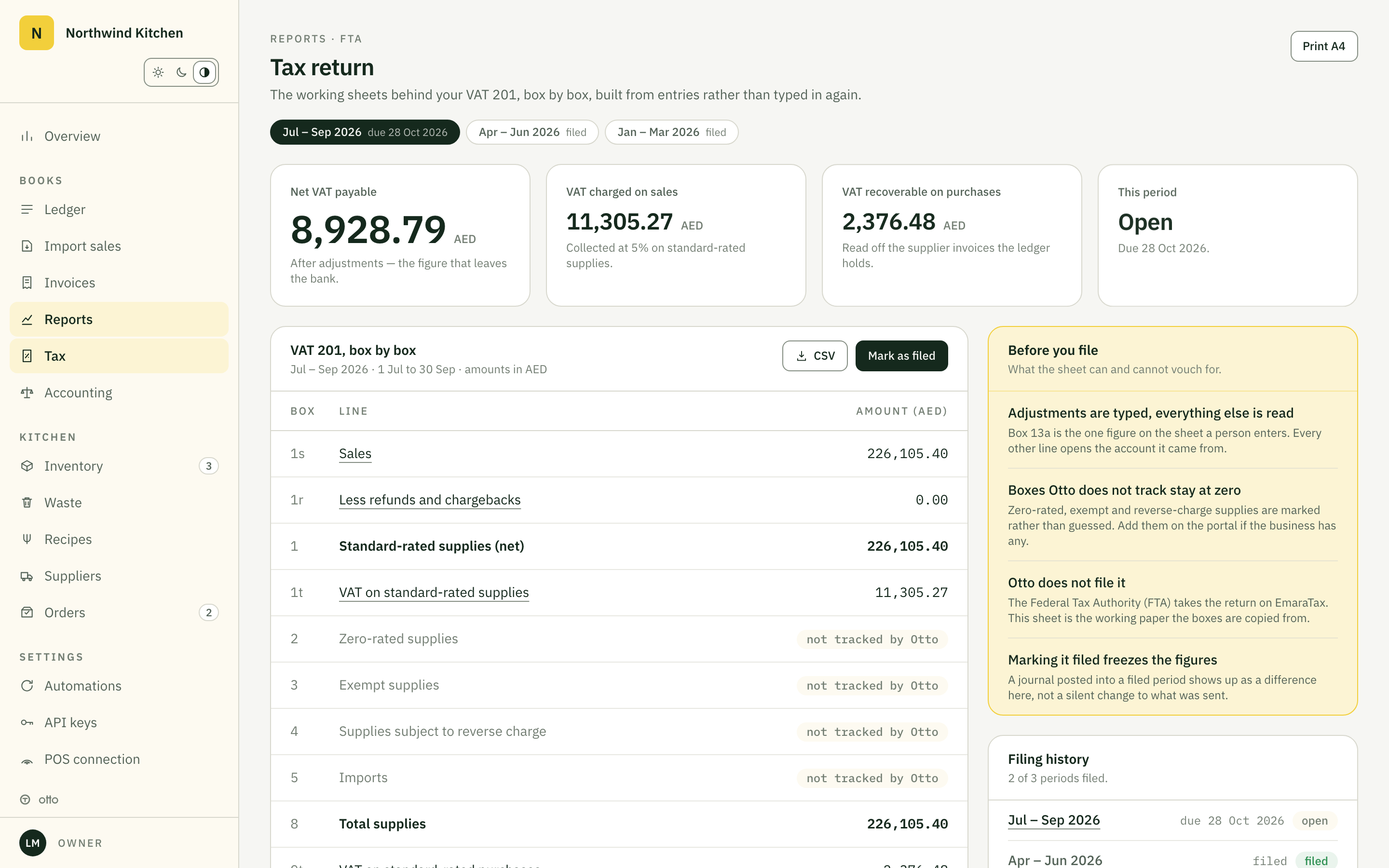
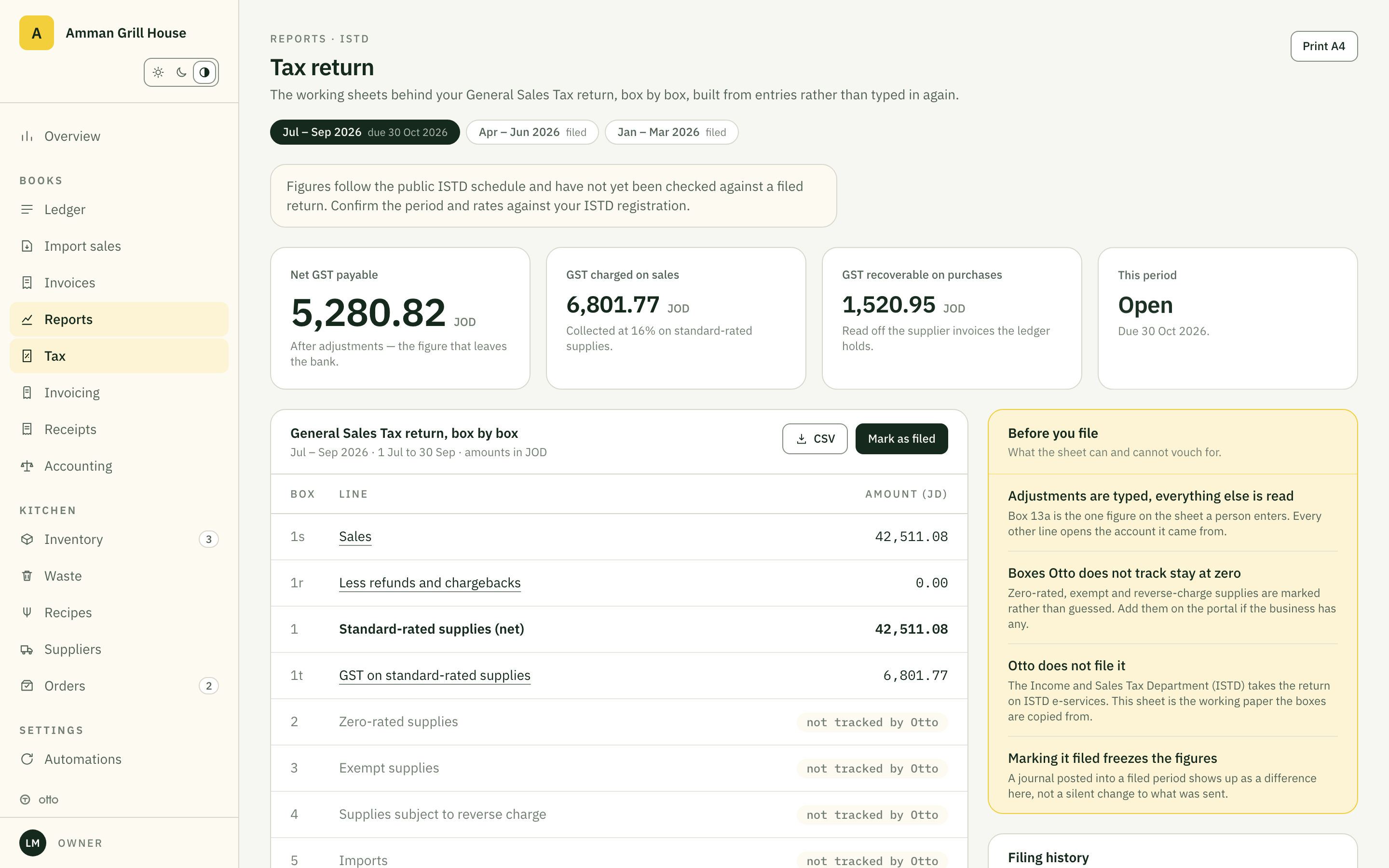
- 16% GST return built box by box
Register on the ISTD portal
Your own taxpayer account. Otto registers nothing in its name.
Generate the three credentials
Client ID, Secret Key and the activity number, from the e-invoicing section.
Paste them into Otto
Settings, E-invoicing. The secret is encrypted and never shown again.
Clear the first invoice
Scan its QR in Sanad. From then on every sale clears itself, nightly.
The portal was built for one invoice at a time. A restaurant does 400 a day.
Typing sales into the portal
Once a device is linked, every invoice on that source must clear the system. By hand, that is a job.
Invoices sit in a drawer
Paper from a dozen suppliers, typed in once a month, if at all.
Stock is a feeling
You order because the shelf looks low, not because 1,400 portions went out.
GST is a scramble
The return is rebuilt from the till report at the deadline, and still a guess.
The walkthrough
Open it. Click anything.
A sample restaurant, Amman Grill House, with a month of real numbers.
Every screen is real. Keep clicking.
Six jobs, done for you.
Books
Double entry, posted while you sleep.
Every sale, invoice, waste line and bank movement becomes a journal entry the night it happens.
Kitchen
Cost every dish to the gram.
A recipe is ingredients and quantities.
Invoices
Photograph it at the back door.
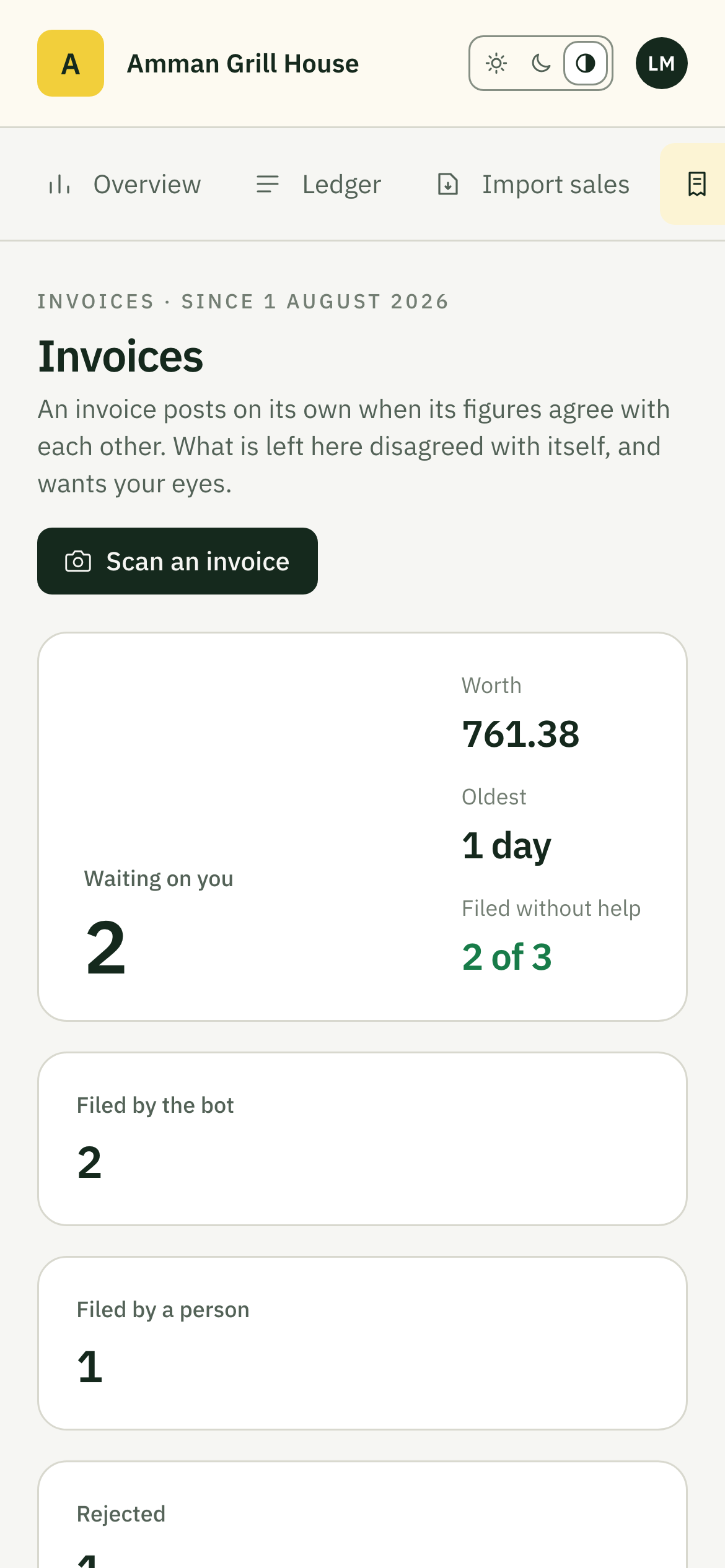
The invoice is read into lines the moment the crate lands.
Stock
Orders drafted before you run out.
Sales count stock down portion by portion.
Banking
The bank statement, matched.
Import whatever your bank exports.
Close
Close the month in an afternoon.
A close is a checklist Otto keeps: unposted lines, unmatched bank items, invoices in review.
Income and Sales Tax Department
Linked to JoFotara. Built for the ISTD.
Proven end to end in the ISTD sandbox.













The app
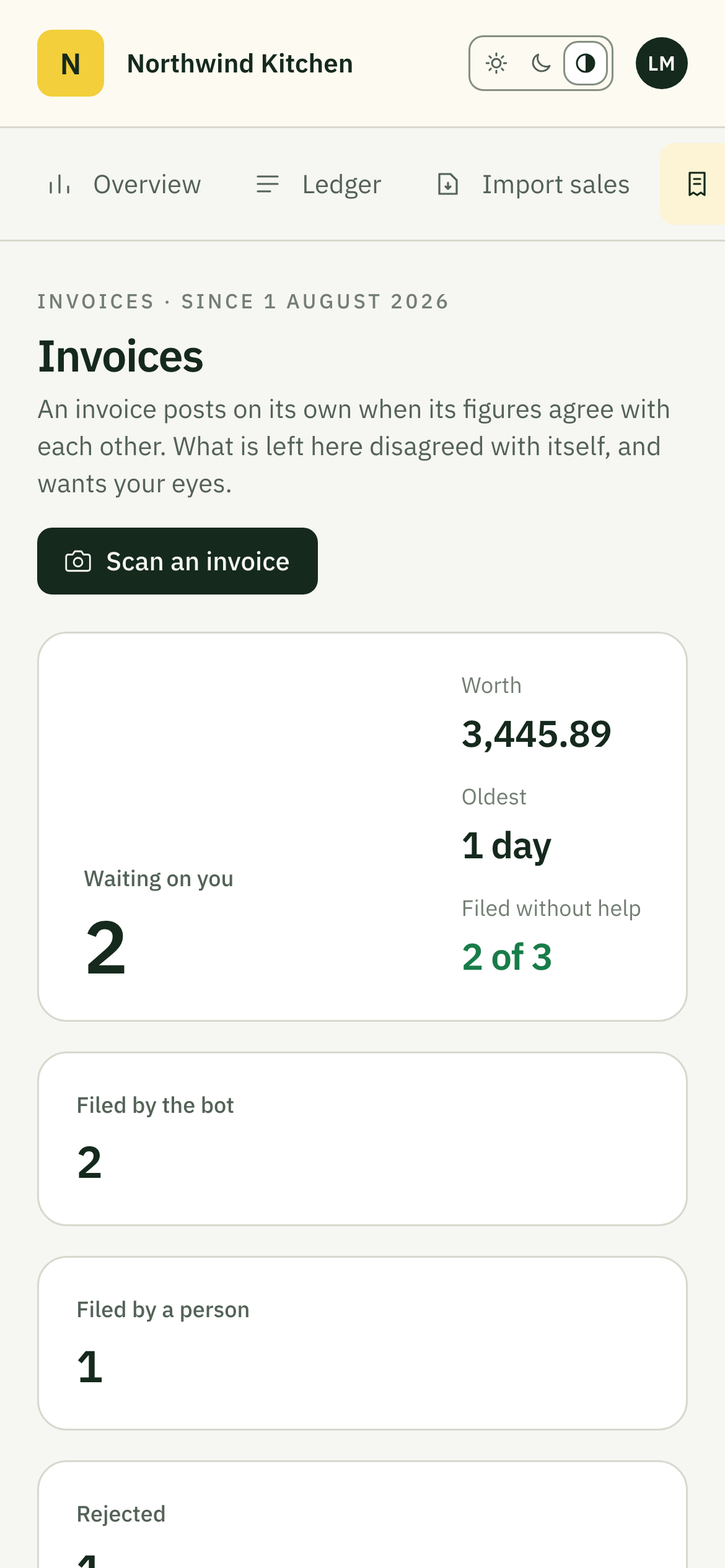
For people away from the desk.
Photograph the invoice at the back door and approve the order from wherever you are. It works with no signal.
Before you book the call.
Do we have to change our till?
No. Otto reads the daily file from any till, and connects directly where a till has an API.
Who does the setup?
We do, on the demo call and the week after. Your part is the exports and the invoices.
Where is our data?
In a database schema of your own, separated from every other restaurant's, with two-factor sign-in and roles. See Security.
Can our accountant keep their software?
Yes. The journal export lands in QuickBooks, Xero or Zoho Books as lines.
What does it cost?
A base subscription plus the modules you use. We quote on the call, in your currency.
Bring one week of your own reports.
We import them on the call and show your own numbers before it ends.
Request a demo